Drowned in project paperwork?Let our AI manage it!
Construction.live AI reads every email, voice note, document revision and photo that comes off your project, files it against the right job, links it to the drawing revision and schedule behind it, and flags the mismatches.
Creating your paper trail in real time with AI while you build.

Voice note, 28 seconds
Filed to Tower B, linked to drawing rev 6
One connected record for everything on your project.
Threads, attachments, approvals
Field
Voice notes, photos, daily logs
Documents
Drawings, submittals, RFIs
Reports
Schedules, invoices, T&M
Project record, built as you build
Level 3 pour, unexpected rebar in the south footing. Filed to Tower B, linked to the revision and schedule behind it.
AI agents read everything coming off your project, file it, link it, and keep track, so one connected record gets created itself while you build.
AI does the filing, Submittals and documents prepared in your company's own templates
AI keeps track, so you don't, Every deadline, response and open item followed up
AI catches what doesn't add up, Mismatched invoices, orders and missed days flagged
No work goes unpaid, Every job carries its proof
Never carry someone else's delay, Flagged and evidenced the day it happens
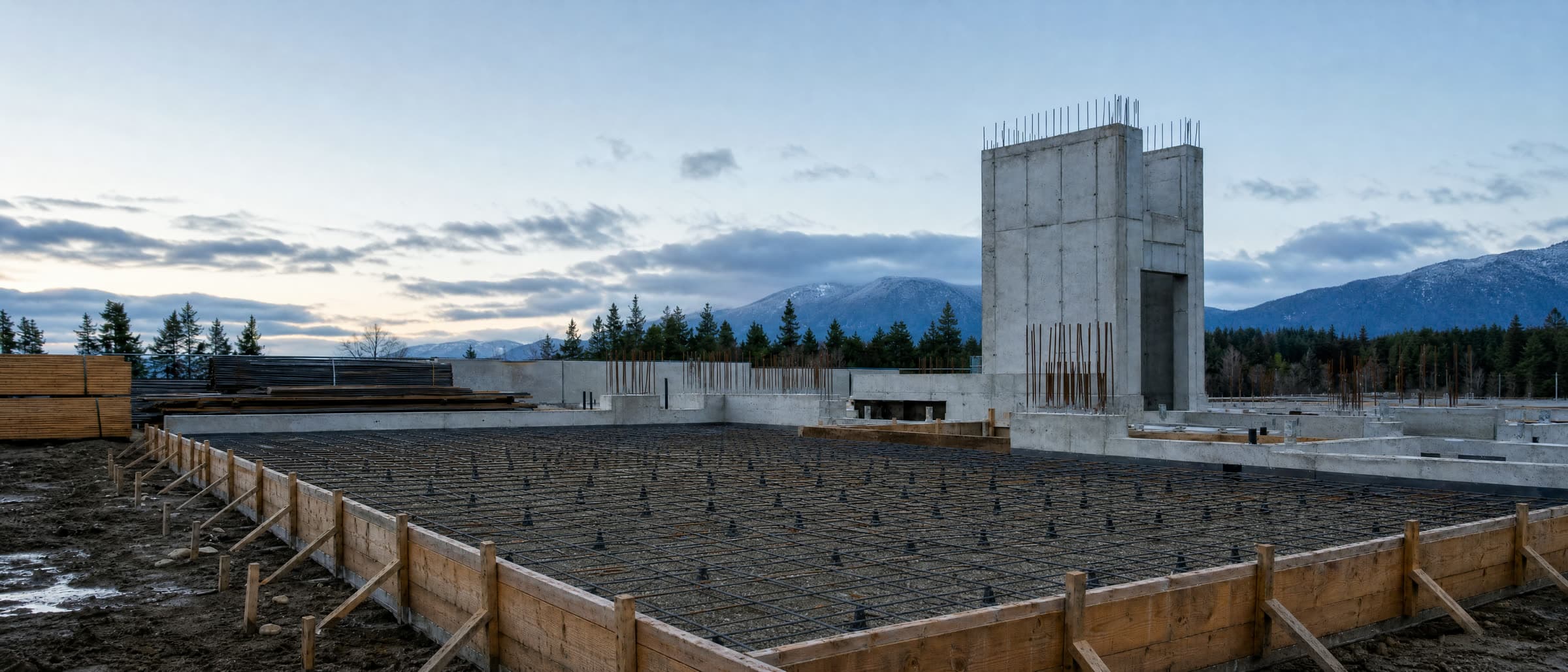
The record starts with the first pour, not the first dispute.
Commercial GCs & Subcontractors
construction.live provides unified field intelligence for the $2M-50M commercial GC and the electrical, mechanical, and specialty subcontractors.
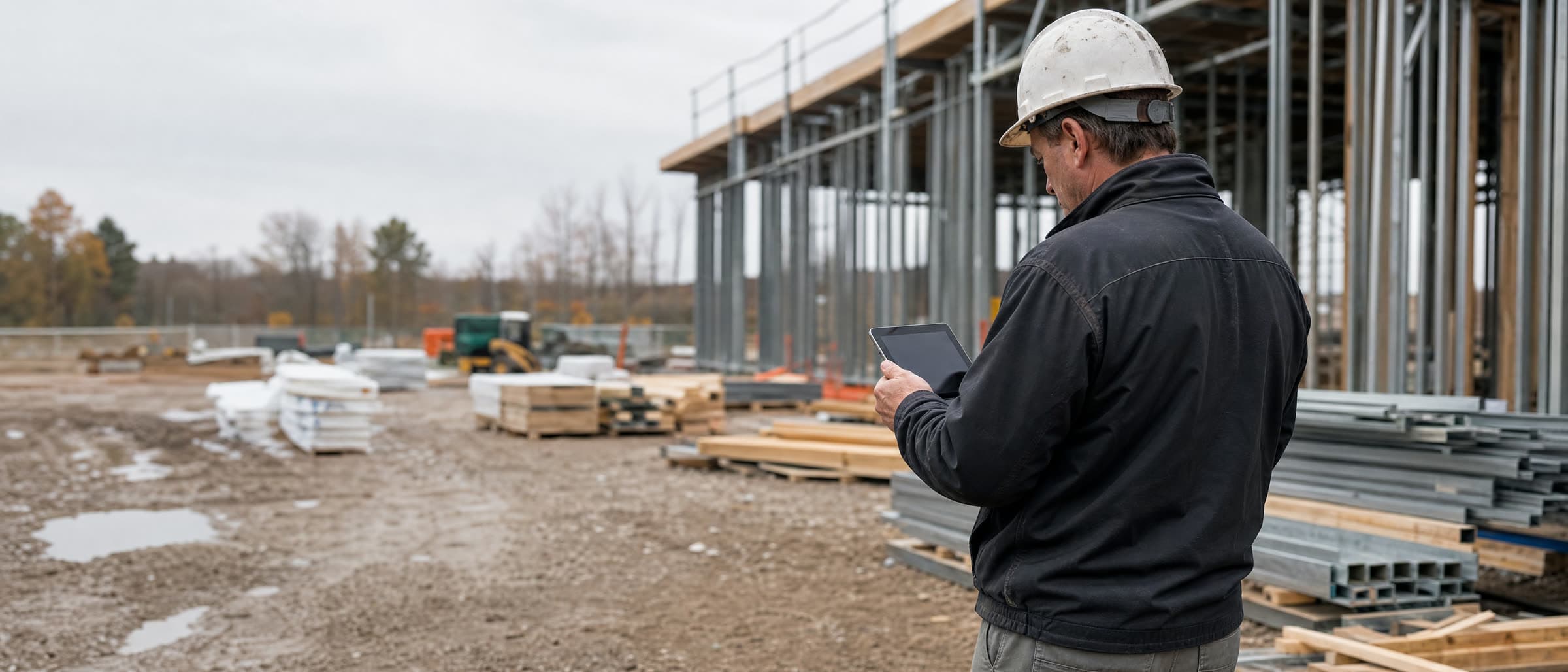
No forms. Talk, photograph, carry on working.
Small back office, everything riding on getting paid right.
Subs don't have a GC's back office, yet getting paid right depends on a paper trail of everything. One platform for all of it, no extra headcount.
With construction.live:
One paper trail, emails, logs, meetings, site events
T&M and billing backed by evidence, paid faster
Delay and not-ready events flagged for claims
Bid and respond from email, no extra headcount
Built as one system, not nine tools
One Connected Platform
Field app, email and your team all feed one place. Every record, submittals, permits, equipment, finance, in context and connected.
Revision Tracking
The whole chain, linked: a daily log tied to schedule rev 3, on drawing rev 6.
Delay Flagging & Claims
Flags delays as they happen and builds the paper trail for claims.
Field App, Capture
Daily logs by voice, chat, or photo, online or off, no forms.
Subcontractor Management
Subs bid, you level them, correspondence stays tracked.
Takeoff, Estimates & Finance Diary
Takeoff assistance and estimate automation, plus a finance diary for the job.
Email Management
Connects your email and brings it all into one context.
Report Generator
Any report from your records, our templates or yours.
Document Search
Drawings, schedules and docs at your fingertips, platform or field.
8 things construction AI must do
A chat subscription can draft an email about your project. It cannot measure a plan set, collect the daily record on site, route a submittal through the people who have to sign it, or remember what your company learned last job. Those are the eight tests we built against.
Read the full argumentClaims you can check yourself.
How others are using it
Time & material tracking, from a 40-hour-a-month chore to a photo.
Before: crews filled T&M sheets by hand. One admin scanned, digitized, rekeyed into Excel, priced it, and assembled reports with every sheet attached, roughly 40 hours a month.
Now: crews snap a photo in the app. It's priced against a live database, reports generate on demand, and submission, approval and tracking all flow through the system.
The result
~40 hrsa month saved for admin
T&M-Aug04-crew3.jpg
Sheet photographed on site
Priced against live rates
18 hrs labour + 4 line items
Caught a not-ready site before it became a delay claim
A sub couldn't start concreting, the GC hadn't finished reinforcement. The crew noted it, the AI flagged it, tied it to the schedule and daily log, and notified the sub's owner. The delay claim was evidenced the same day.
Runs a whole bidding process without ever opening the platform
One subcontractor works entirely by email. Forward a bid request, the AI pulls past-project data, generates the takeoff, and replies with the numbers ready to send. No login, no onboarding.
Before you book a demo
No. The field app works like sending a message, talk, snap a photo, or type a line. If a crew never opens it, the AI can call them at shift change and capture the same update by voice.
You are probably weighing us against something.
So we wrote the comparisons ourselves, against each vendor's own documentation — and left in the parts where the other tool wins.
Or stop comparing and just run it.
There is a free Mac app with the AI model already on the disk. Open a drawing set, work an estimate, ask it about a contract — on your own laptop, with nothing leaving it. No call, no account, no card.
- Nothing sent to a model vendor
- Works with the Wi-Fi down
- Free, no account
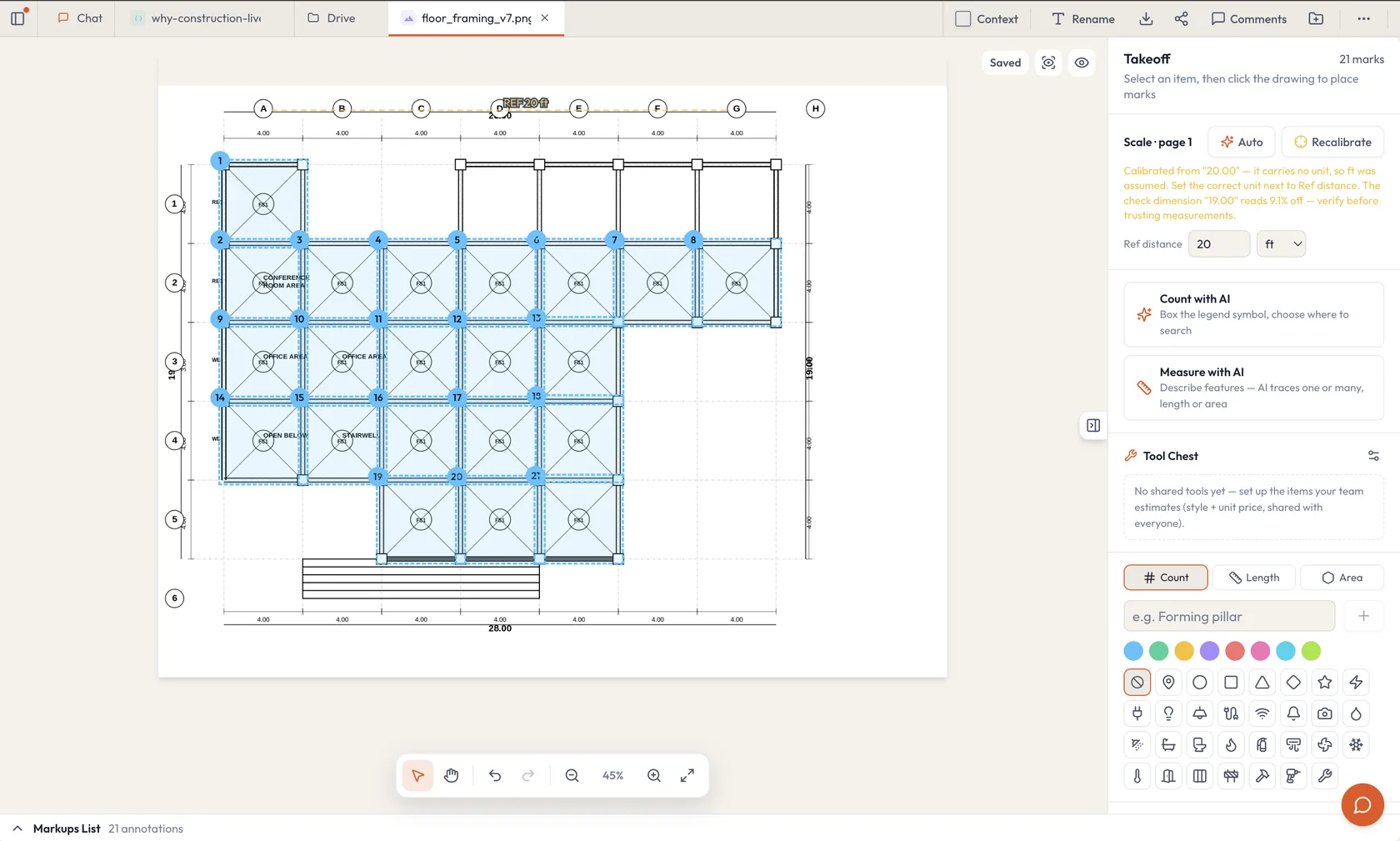
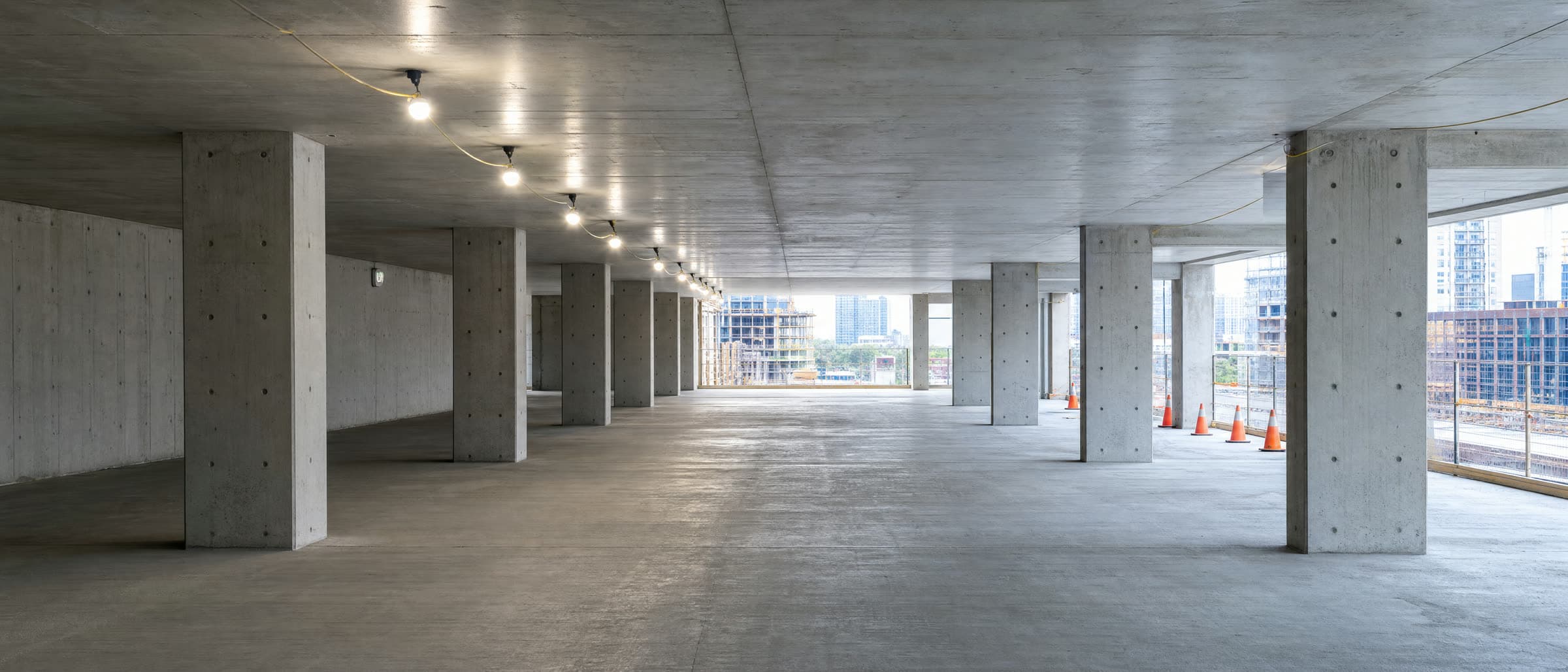
A finished floor, and the paper trail that proves every hour of it.
Your next project builds its own paper trail.
Fifteen minutes, no deck. Bring one live job and we'll show you what the AI files, links and flags on it, and what that changes when the invoice goes out.
Where the paper trail breaks on your projects today
What the AI would file, link and flag on one of your live jobs
How a first project gets set up, in your templates, in days
Request a demo
Pick a time that works
Not ready for a call? Send us a message
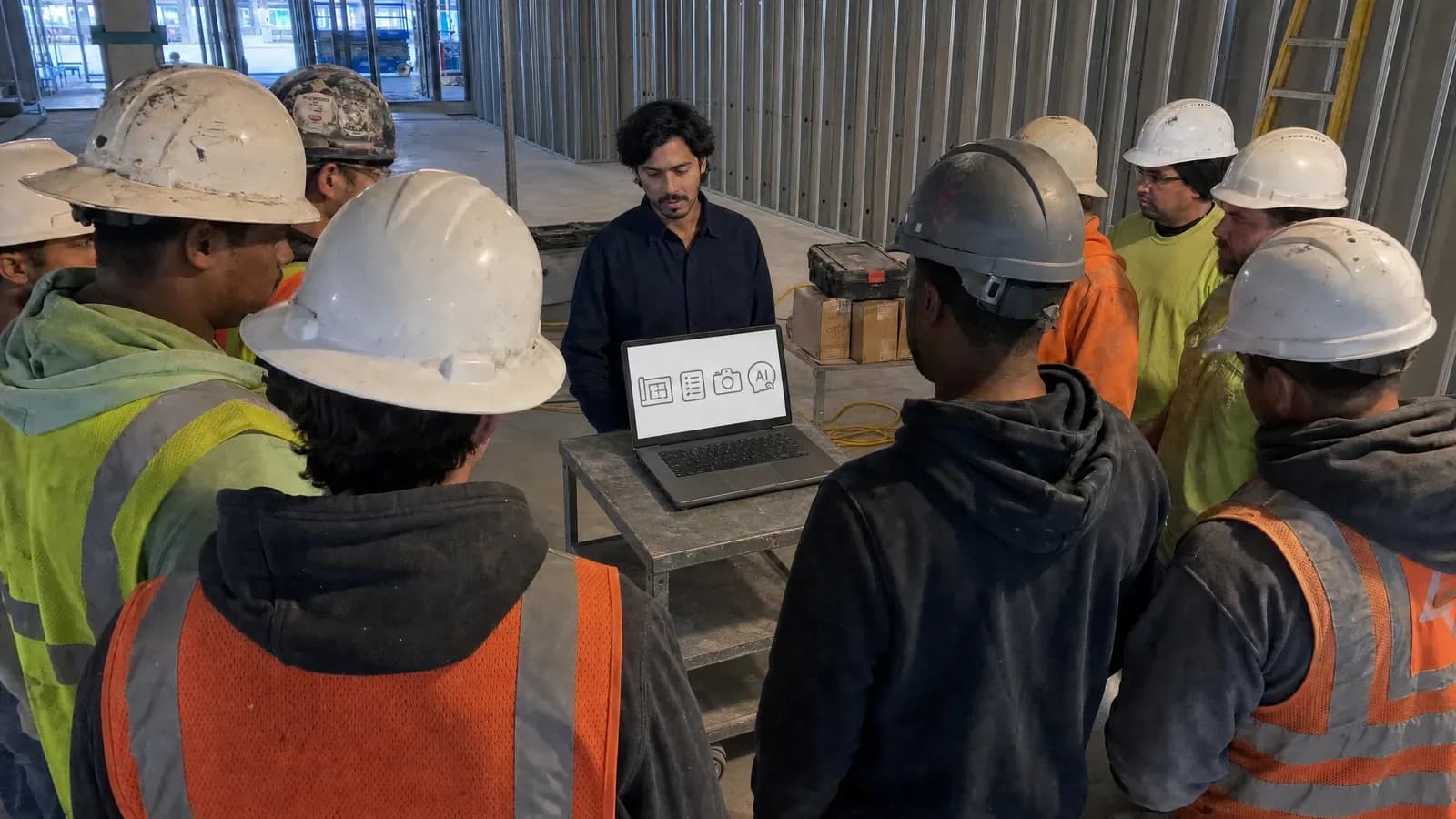
Then we train your team ourselves.
A licence does not create adoption. People do. We run the training on site or online, on your drawings and your daily logs rather than a demo account — and our engineers stay through the rollout, because the problems that stall one turn up in week three.
How training works